
How the Val Verde County Court Calendar Works
The county posts one combined schedule at the official Val Verde County calendar, and court events sit beside everything else. Pick the right court before anything else: 63rd District Court, 83rd District Court, County Court at Law, or JP1 through JP4. The same selector lists the library, the community center, and the Sheriff’s Office. Choosing All Calendars or Main Calendar can bury court entries under public events.
A result may show a title, date, time, facility, description, and event link. Fields vary. None of it promises a party index, a full docket sheet, or a final outcome. The District Clerk holds district-court filings, while the County Clerk and lower-court offices serve other case types. Find the setting first, then go to that office for an order or certified copy.
Val Verde Calendar Controls
The 83rd District Court calendar offers three views. Pick List, Week, or Month. It also adds start and end dates, a keyword box, past events, and a month-and-year picker. Print and iCalendar buttons make personal copies easy. Find Facility and Notify Me add two more ways to follow what gets posted.
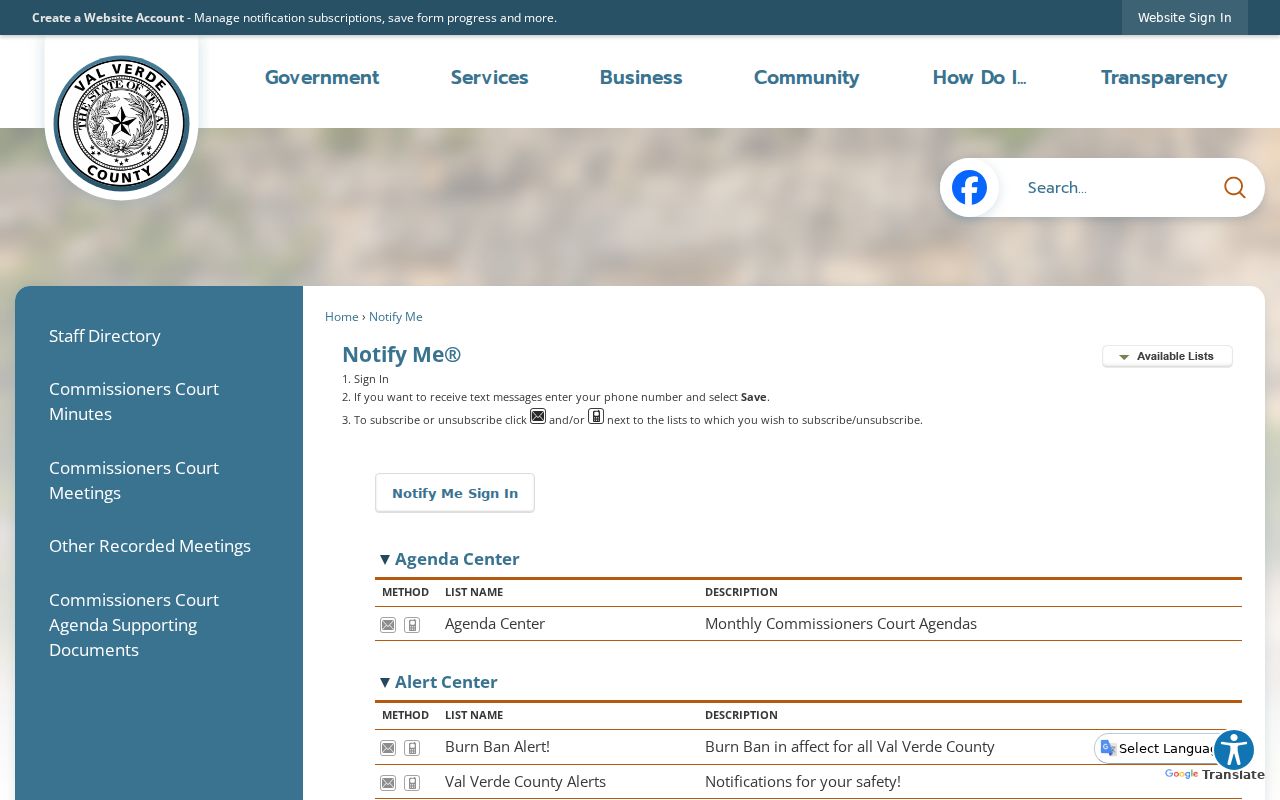
The county’s calendar subscription page lays out the subscription and RSS choices. Both appear on that official page. A subscription can flag changes, but it is not legal notice. It never replaces a summons, an order, or an instruction from the court.
When you save an event, keep the court name and cause number with it. That way a later change can be checked against the right office.
Val Verde County Court Date Lookups
Begin with whatever court appears on your notice, citation, pleading, or prior order. District matters can land in either district court. County Court at Law keeps its own path. So do four JP precincts. Del Rio Municipal Court runs yet another. Your attorney, if you have one, is a direct source. Posted listings at the courthouse can help once you arrive. The county offers no public self-service terminal.
- Open the county calendar and select the exact court.
- Choose a date range, add a keyword, and enable past events when needed.
- Open the event and compare its court, date, time, and description with the notice.
- Confirm the setting with the attorney, coordinator, or clerk before appearing.
For district settings, call the 63rd District Court at 830-774-7523. The 83rd uses 830-774-7654. County Court at Law uses 830-774-7575, and each JP line is separate. The county staff directory routes current numbers. Mail, fax, email, and records requests work for copies but not for a same-day check.
Val Verde Court Filter Traps
A blank result often means the wrong calendar, not a missing setting. That trap is easy to hit here. One selector mixes courts, offices, and community events. Search the specific court first. Then widen the date range, turn on past events, loosen a tight keyword, and open any court PDF linked from the official page.
Quick check: Record the calendar, date range, keyword, and search date. Those details make a clerk call easier to resolve.
The calendar tracks settings. It is not a countywide case index. For district case history, contact the District Clerk. County Court at Law may need the County Clerk for the record and the coordinator for the setting. JP and city cases stay with their own offices.
Court Settings: What Each Field Means
Val Verde setting sheets pack a lot of context into a few lines. Start with the heading. It may name a litigation list, a docket call, or cases to be set for jury trial. Those words describe scheduling only. A case listed as set for trial did not necessarily go to trial. It did not necessarily reach any result that day.
| Court and judge | The assigned court or presiding judge for the session. |
|---|---|
| Cause number | The strongest link to the clerk record; retain every prefix, letter, and zero. |
| Date and time | The scheduled session, not proof that it occurred. |
| Style or defendant | The case caption, not a finding about a party. |
| Description | The stated purpose, which should not be turned into an outcome. |
| Remote or interpreter | Operational details that require current confirmation. |
Criminal blocks may carry an offense, bondsman, reactivated flag, attorneys, and notes. An offense is an allegation. It is not a conviction. Civil blocks may show a category, filing date, case type, style, and counsel, and the filing date and hearing date are two different things.
Val Verde Docket Call Terms
Terms on a court schedule carry narrow meanings. Knowing them keeps a line from being read as an order.
- Setting
- A scheduled appearance or event.
- Docket call
- A session for calling or managing listed cases.
- Continuance
- A court-approved move to a later date.
- Reset
- A changed setting, not a dismissal.
- Disposition
- A recorded resolution that should be verified in the case record.
An archived local-rule PDF describes older practices. It is not the current schedule. Search the Texas Local Rules portal and check the current court page before relying on any deadline or call time.
When a Court Date Moves
A Val Verde County setting can move for weather, holidays, emergencies, a judge’s schedule, or a court order. The 63rd District Court has posted a weather-related rescheduling notice, which shows why an old PDF or saved event can’t be trusted as current. A continuance needs court action too. A request alone changes nothing.
Check the live calendar, the 63rd District Court page or 83rd District Court page, and any current order. Then call the coordinator or clerk. Remote access details expire fast. Never reuse a meeting ID from an old calendar sample.
Note: Confirm a reset with the court even when a subscription has not sent an update.
Val Verde Remote Settings
District-court pages may mention livestreams, and sample calendars carry remote-access fields. Those notes fit the setting named in current instructions. Plans can shift, though. The court may close a proceeding to remote viewing or insist on an in-person appearance.
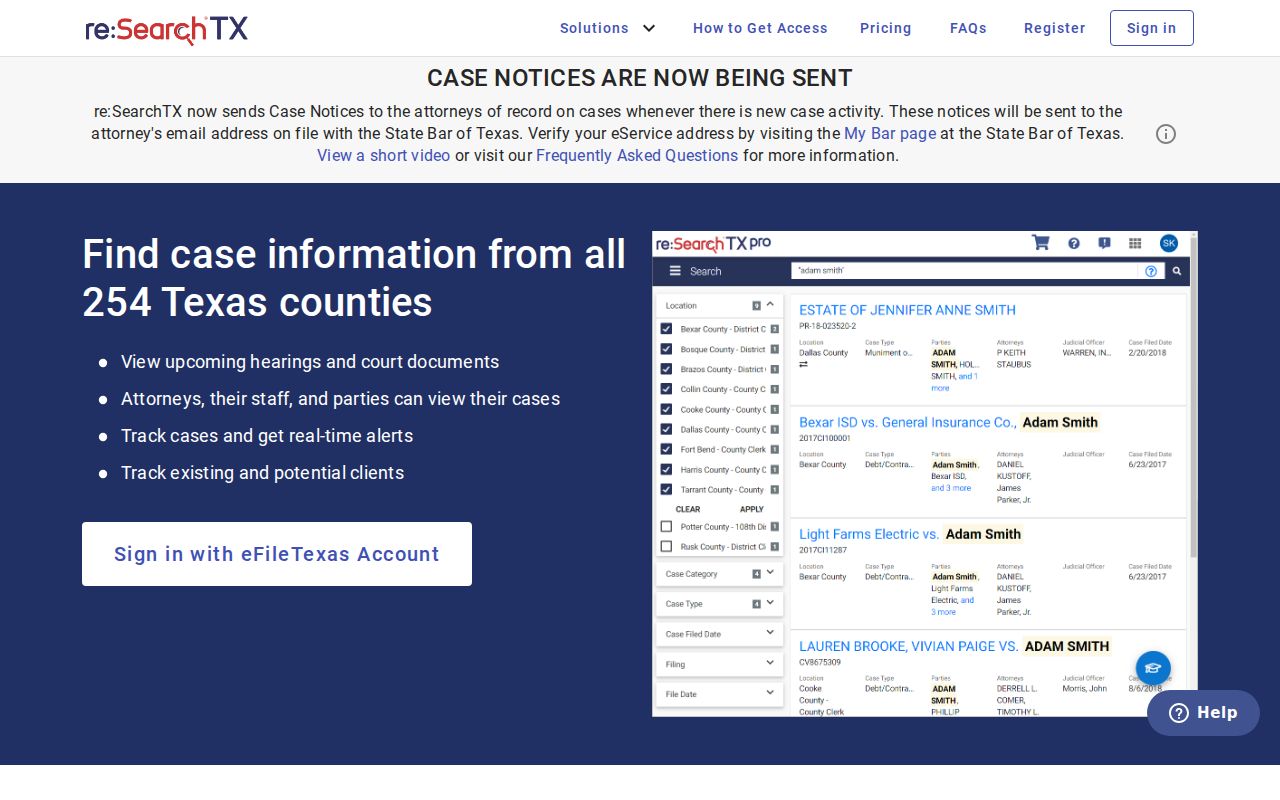
The re:SearchTX portal covers case and hearing research statewide where it has coverage. Its interface appears here. It stands apart from the county calendar. So it cannot prove the local setting still stands.
An interpreter field is just a hint. Call the court to confirm whether language service was requested or assigned, and what the participant must do.
Missed Settings and What Comes Next
Call the assigned court, clerk, and attorney right away. Give the full cause number, court, date, and setting type, then ask what the court entered and what formal step comes next. Don't count on the calendar to hand you a new date.
Missed a setting? A missed date can have serious case-specific consequences, including a warrant, bond action, dismissal, or another order.
Call the court or clerk promptly and follow its instructions.
Seek advice from a licensed attorney when rights or deadlines may be involved.
District records can be requested several ways. Visit 100 E Broadway, mail P.O. Box 1544, fax 830-774-7643, or use the official request email. The form allows pickup, mail, email, or fax delivery, and quotes up to ten business days. That pace documents events. It is not an emergency scheduling channel.
Val Verde Calendar Confirmation Chain
Use this fallback chain when no event appears: correct court filter → wider date range → past events → current court PDF or notice → coordinator or clerk. For a formal copy, continue to the records custodian. District Clerk, County Clerk, JP offices, and Del Rio Municipal Court are not interchangeable.
You can confirm in person at the right Del Rio office during posted hours. The district courts and District Clerk sit at 100 E Broadway, County Court at Law and County Clerk at 400 Pecan, and the JP offices at 309 Mills. Check before you drive. Phone is faster for a date, while the District Clerk form handles email, fax, mail, and pickup for records.
Calendar → current setting → clerk record → certified copy is the safest sequence. Each step answers a different question: finding an event, confirming it remains set, reviewing filed activity, and obtaining a clerk-certified document.
Val Verde Court Calendar Views
The 83rd District Court calendar offers a court-specific view inside the wider county system.
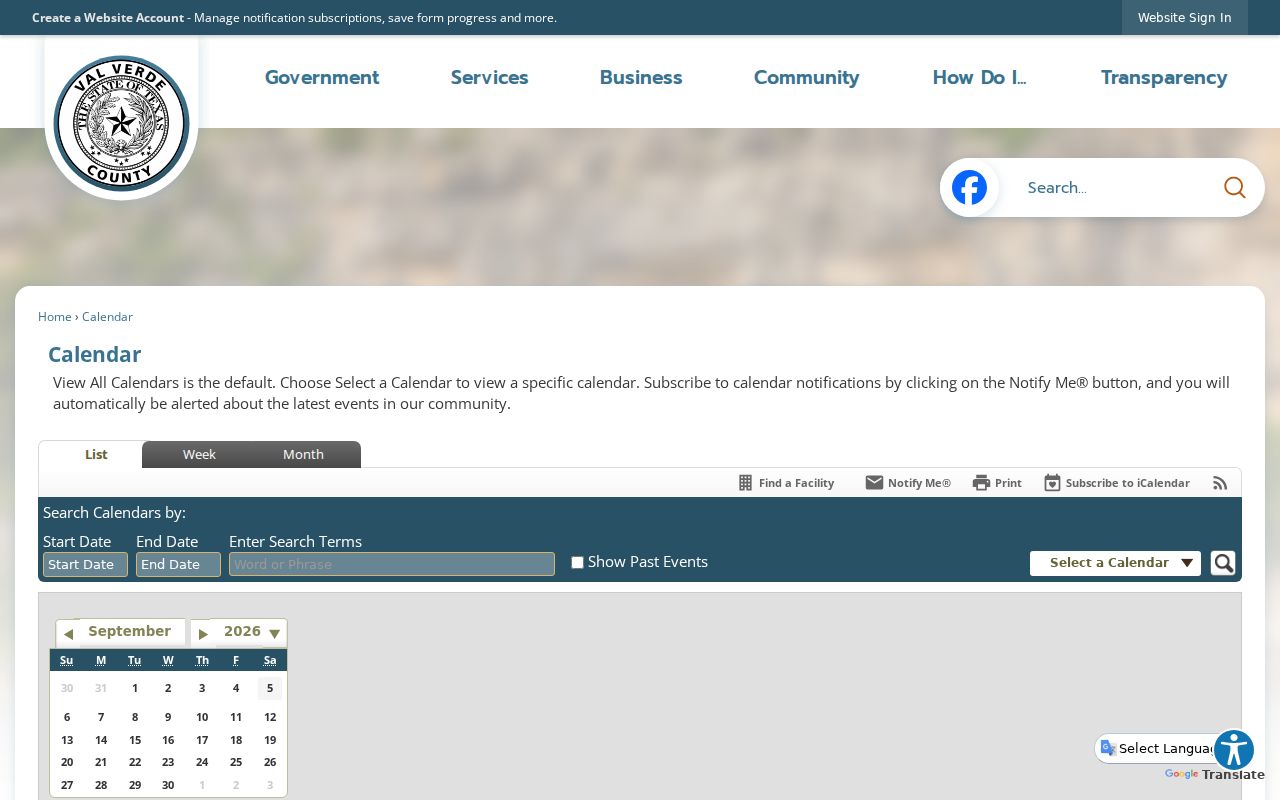
That view keeps an 83rd setting distinct from County Court at Law, JP, and general county events. The county also posts a separate County Judge calendar.
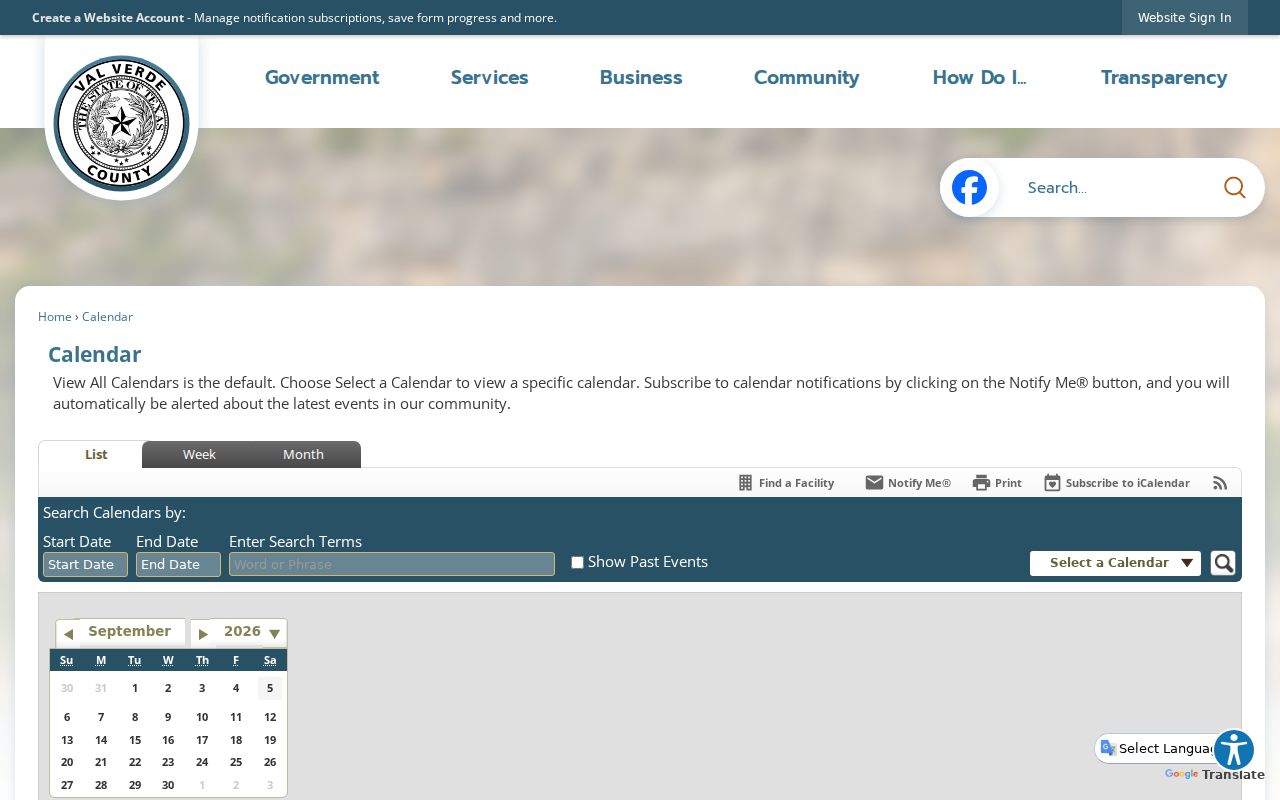
A County Judge calendar label is not a case setting. Don't treat it as one in District Court or County Court at Law.